
The Builder
Navigating the Visual Canvas

Hey there, it's Nevrie! 👋
Welcome to the heart of the platform: the Visual Canvas. If you’ve ever used a design tool like Figma or Canva, you’ll feel right at home here. We’ve moved away from rigid layouts so you can drag, drop, and style every element with total freedom.
Let's take a tour of the blocks you can use to build your perfect popup.
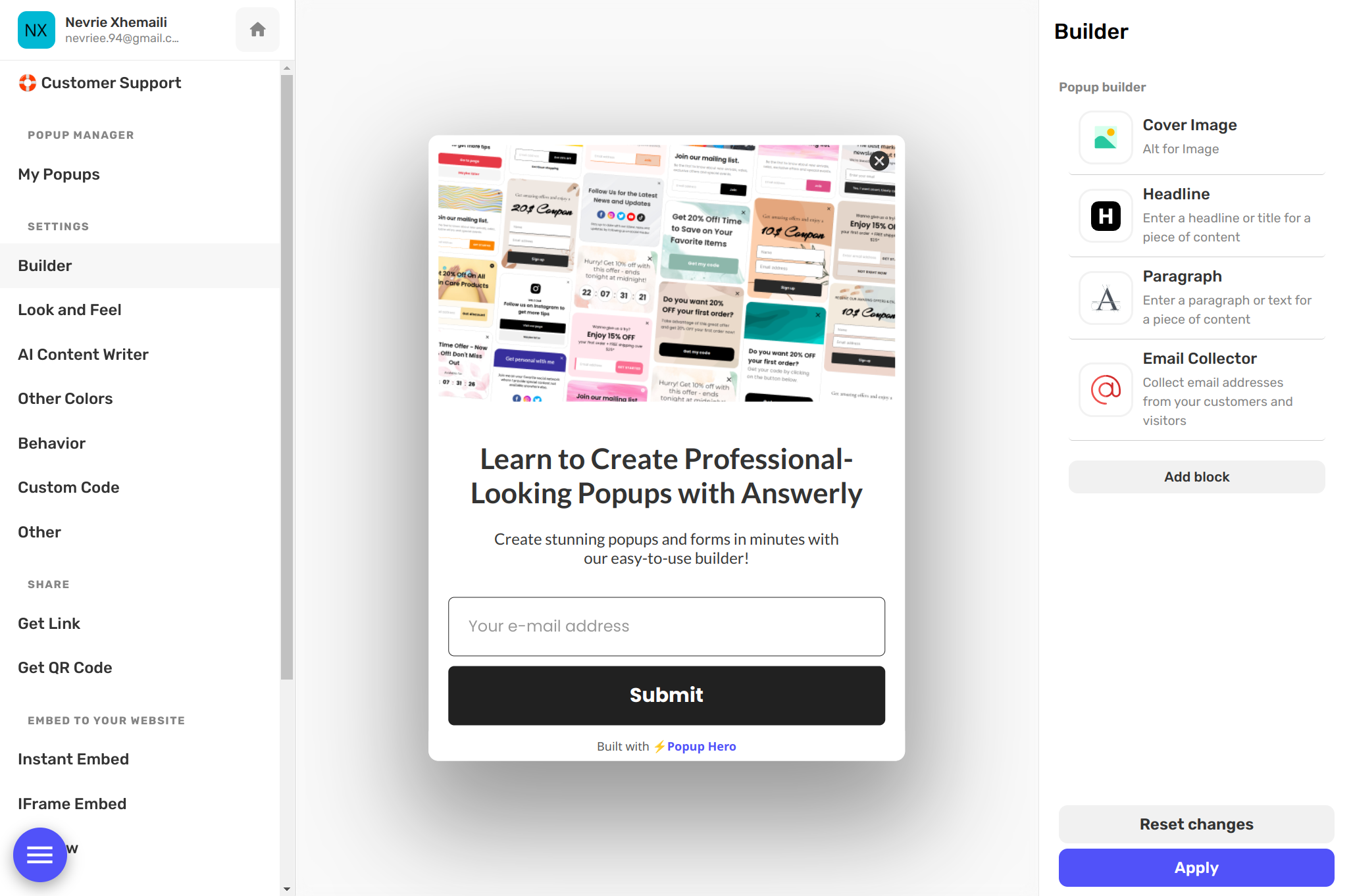
1. Text & Headings
The basic building blocks of any message. You can add headlines for big statements or paragraphs for more detail. Since this is a visual editor, you can change fonts, letter spacing, line height, and colors individually for every text layer.
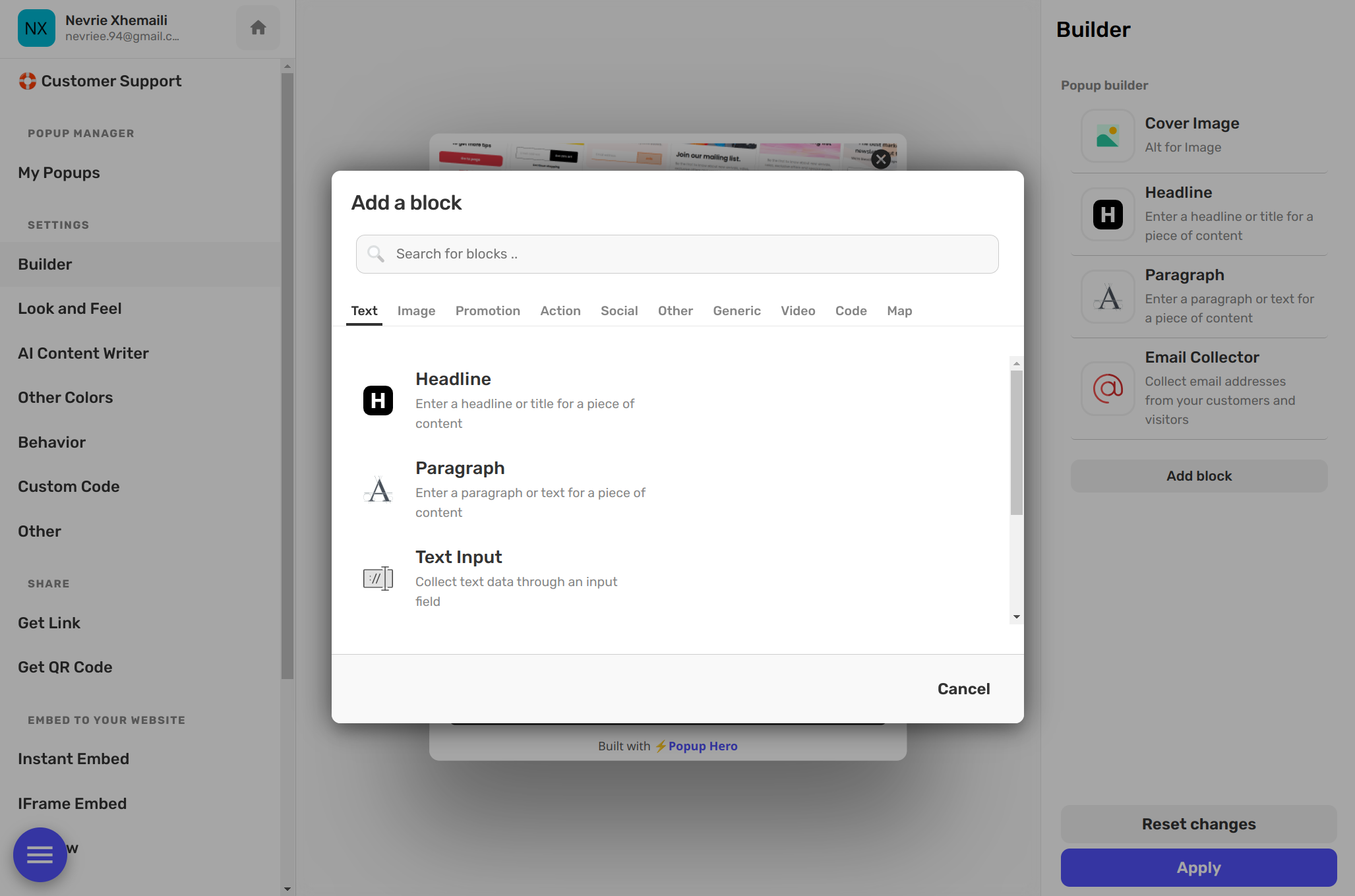
2. Images & Branding
Upload your logos, product shots, or background covers. Once an image is on the canvas, you can resize it freely, add rounded corners (border-radius), or adjust the opacity to make it blend perfectly with your design.
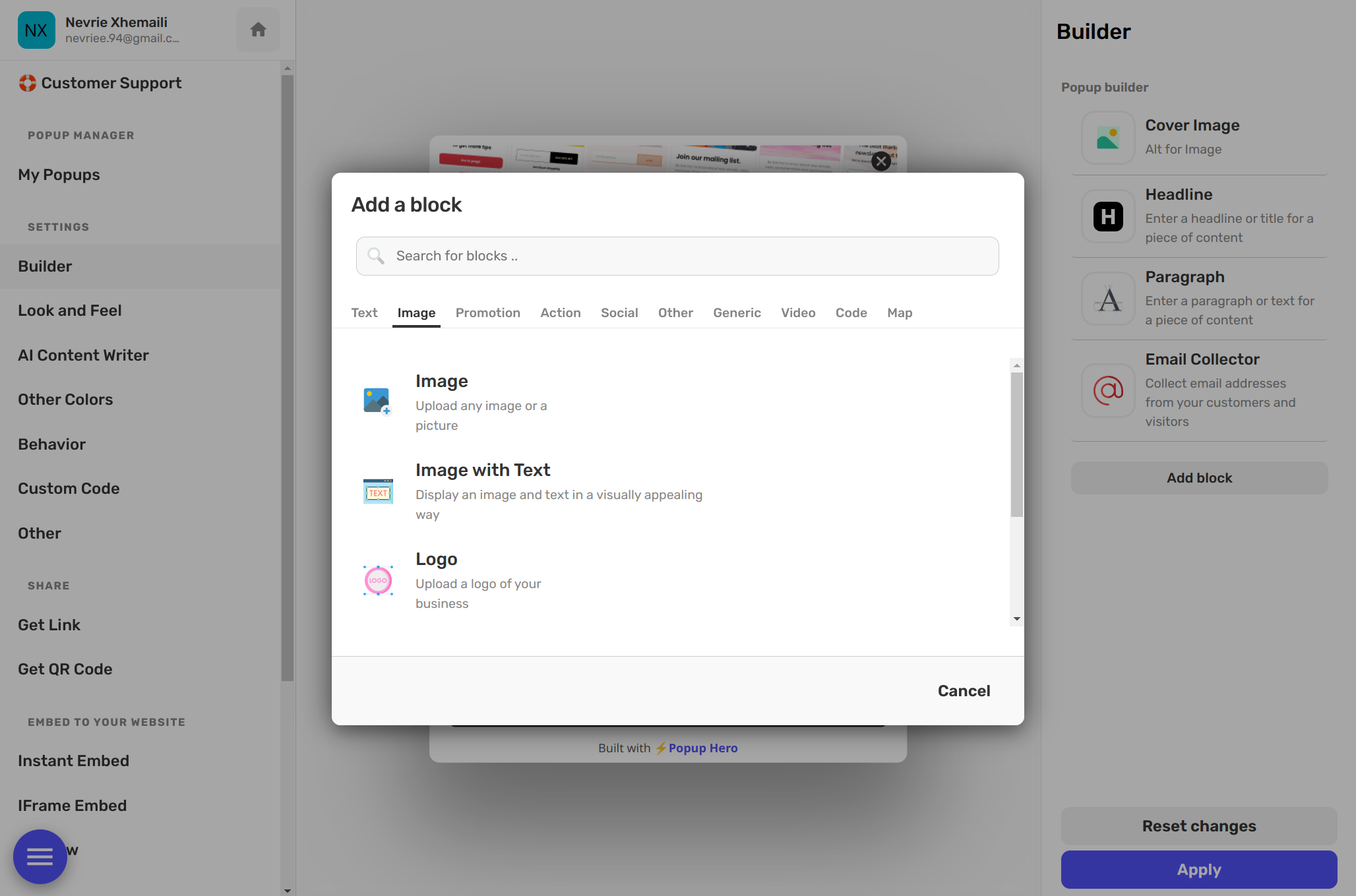
3. Interaction Blocks (Buttons)
Every popup needs a goal. Use the Button block to create high-contrast calls to action. You can customize the "hover state" (how it looks when a mouse touches it) to make your design feel interactive and alive.
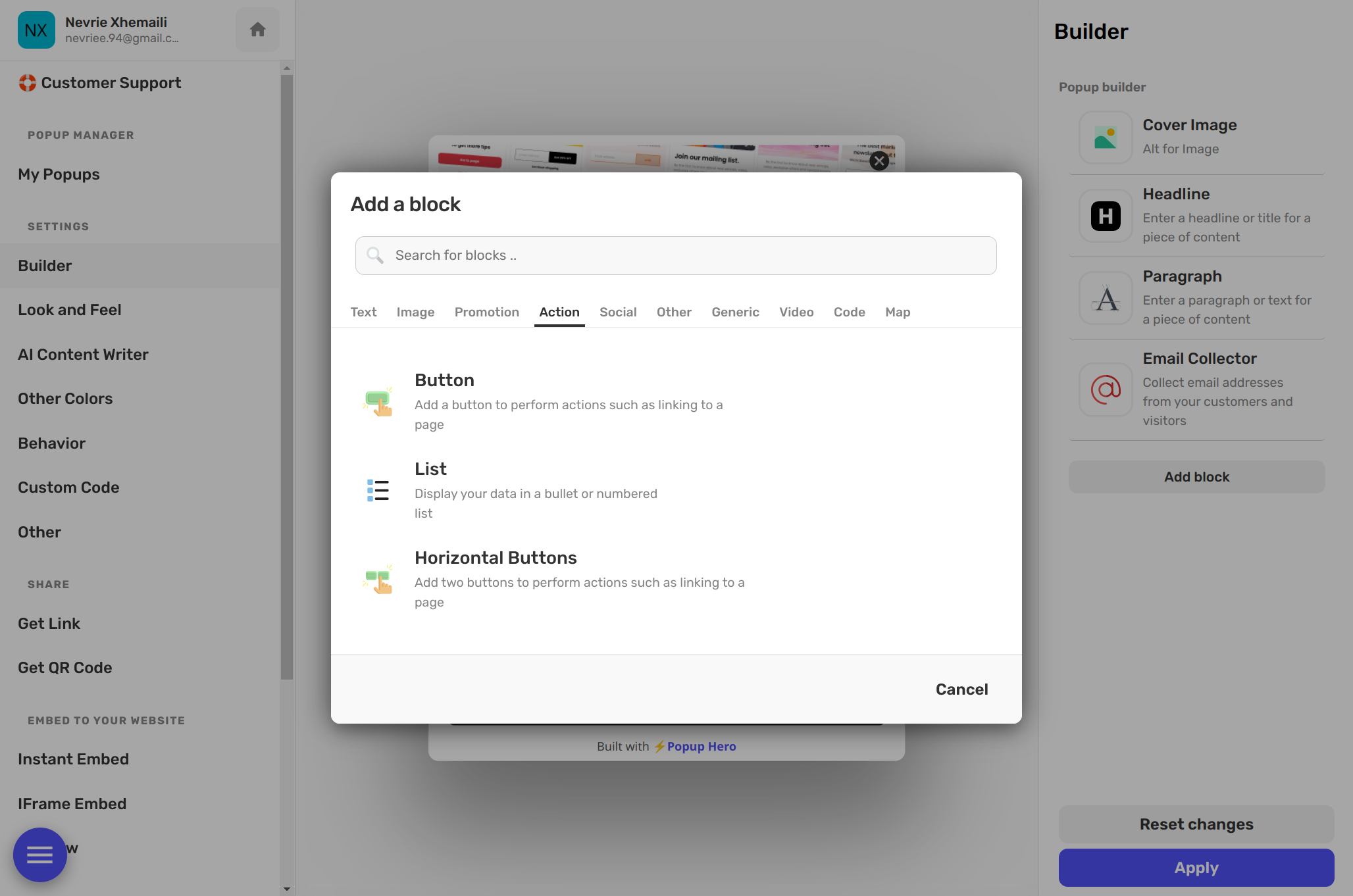
4. Input & Form Blocks
Ready to grow your list? Drop in an Email Input or a Custom Field. You can mix and match these with checkboxes for GDPR compliance or dropdowns to categorize your leads. Everything is synced to your integrations automatically.
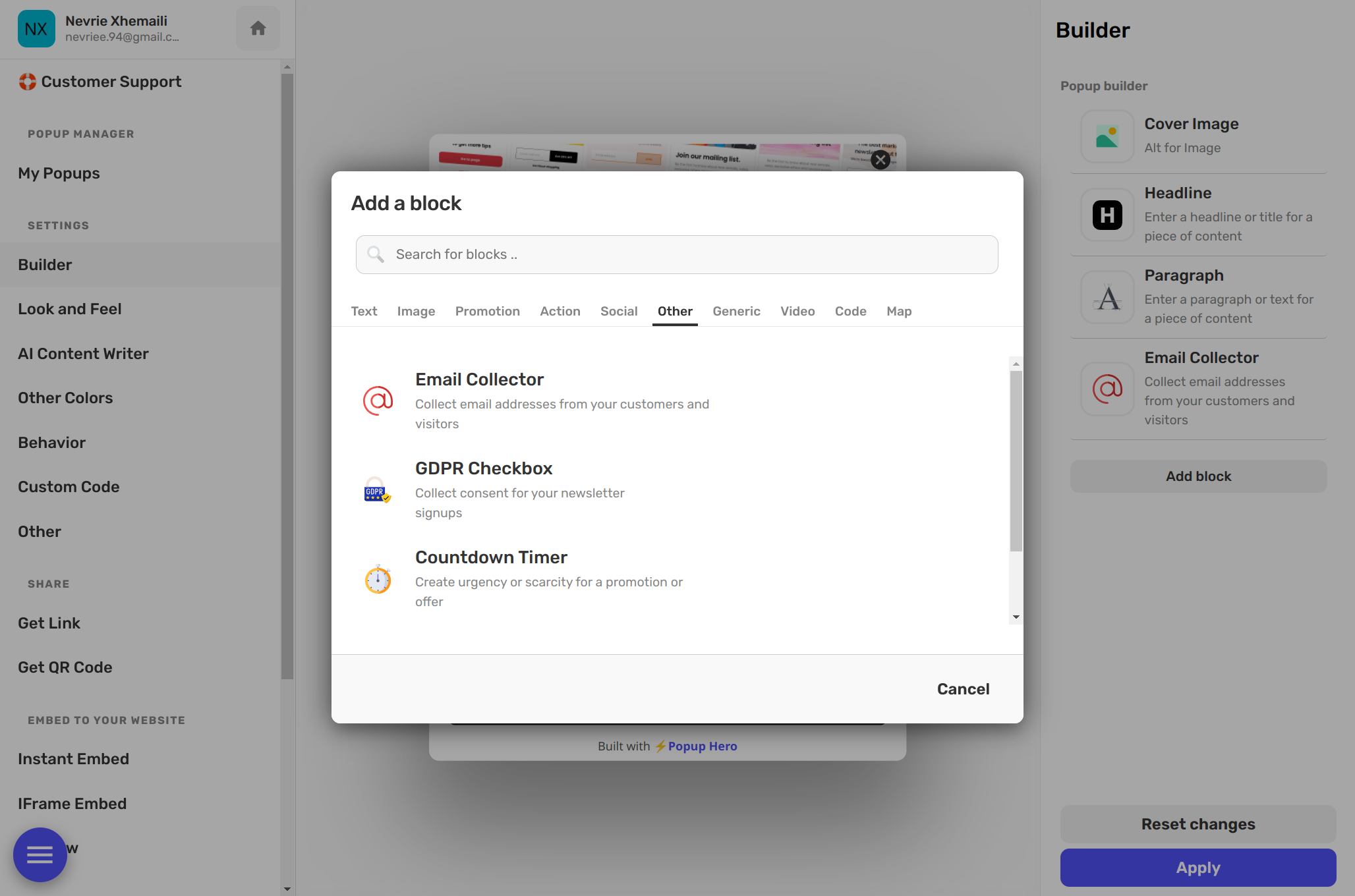
5. Countdown Timers
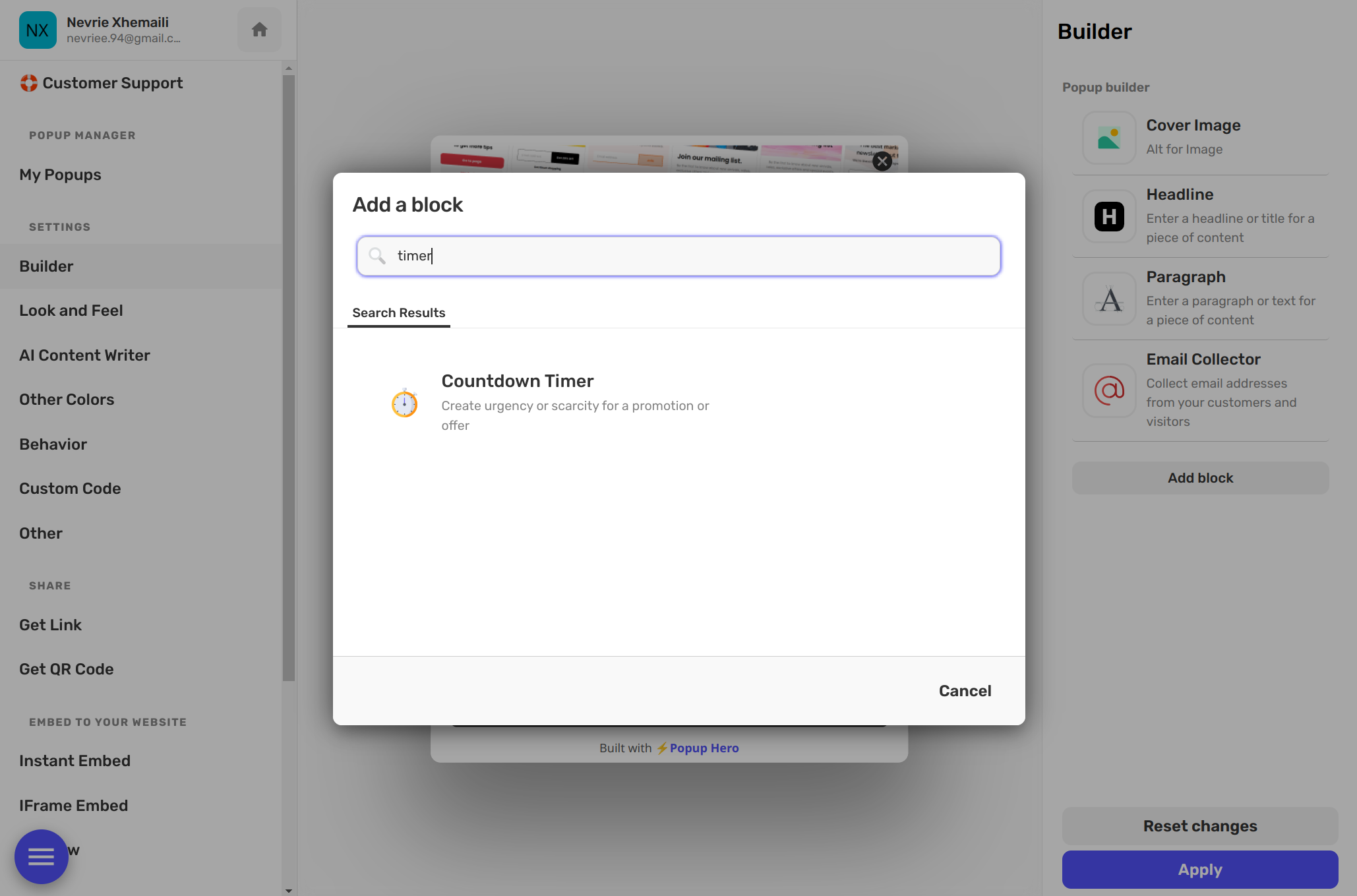
Nothing drives action like a deadline. Our countdown blocks are synchronized, meaning every visitor sees the same urgency. They are perfect for flash sales, product launches, or limited-time coupons.
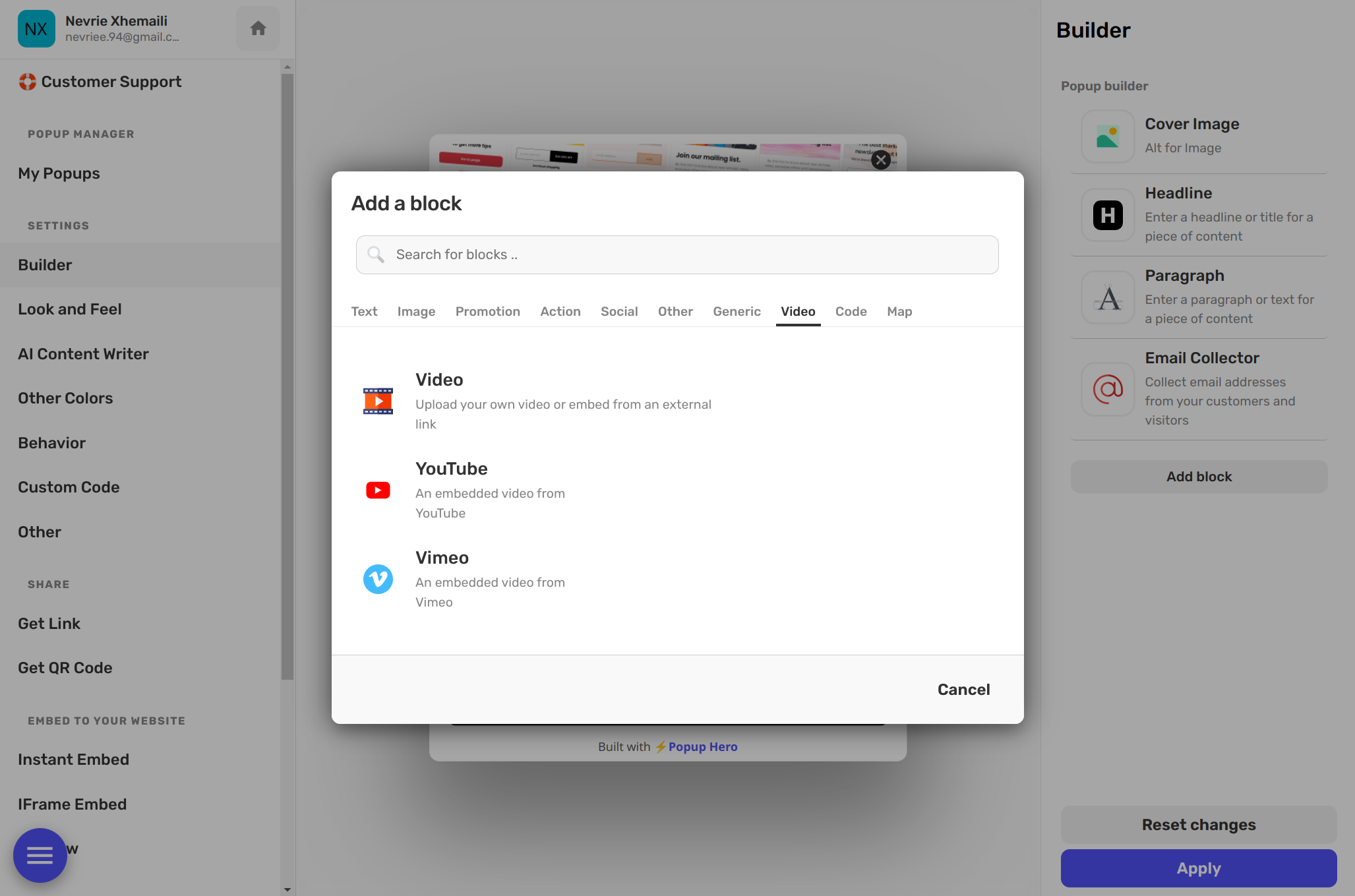
6. Video & Multimedia
Want to show off a product demo? You can embed YouTube or Vimeo videos directly into the canvas. You can even use the Custom HTML/iFrame block to plug in your own widgets or unique tools from around the web.
7. Advanced Styling Tools
Because this is a professional editor, every block comes with "Surgical Settings." You have independent control over:
- Padding & Margins: Create exactly the right amount of breathing room.
- Borders & Shadows: Add depth with custom drop shadows and border styles.
- Positioning: Move layers forward or backward to create complex, overlapping designs.
Think of these blocks as your toolbox. There are no "templates" to fight with—just your imagination and a blank canvas. Happy designing! 🚀