

Other
Whitelabel Settings
Published @ 28/12/2025 by

Hey there, it's Nevrie! 👋
If you are running an agency or a business where you want to provide our platform under your own brand, you're in the right place. This guide covers the full setup, from your dashboard foundation to the specific PopupHero builder settings.
1. Dashboard & Access (Platform Settings)
These settings control the "shell" of your platform, the login page and the domain where your users work.
- Custom Hostname: Enter the domain where your users will log in (e.g.,
app.yourbrand.com). You must add a CNAME record in your DNS pointing toapp.answerly.io. - Sign-up Control: Toggle Allow Free Sign Ups or use a Secret Signup Link for private customers.
- Legal & Updates: Add your own Terms & Conditions URL and a Changelog URL so users stay informed under your brand.
- Login Visuals: Upload custom images for your login and sign-up pages to replace the defaults.
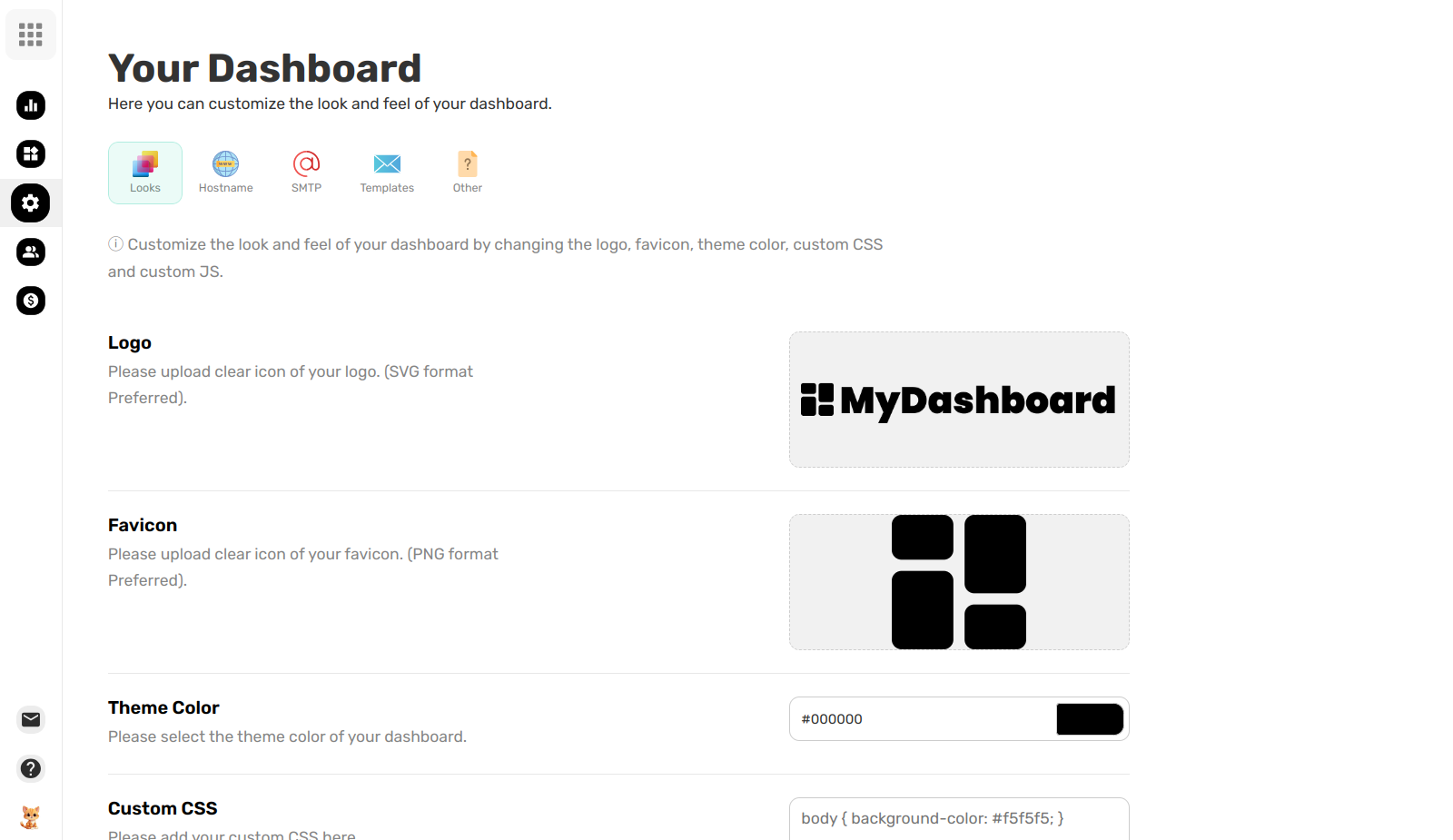
2. Branding & Identity (PopupHero Settings)
Once the platform is set up, you can customize the PopupHero tool itself:
- Rename the Tool: Change "PopupHero" to any name you like (e.g., "BrandPopups").
- Logos & Icons: Upload your primary Logo and a square Logo Icon (SVG preferred) to replace our branding inside the editor.
- Share Hostname: Customize the URL used for sharing links. You must add a CNAME record for your custom hostname pointing to
share.popuphero.io.
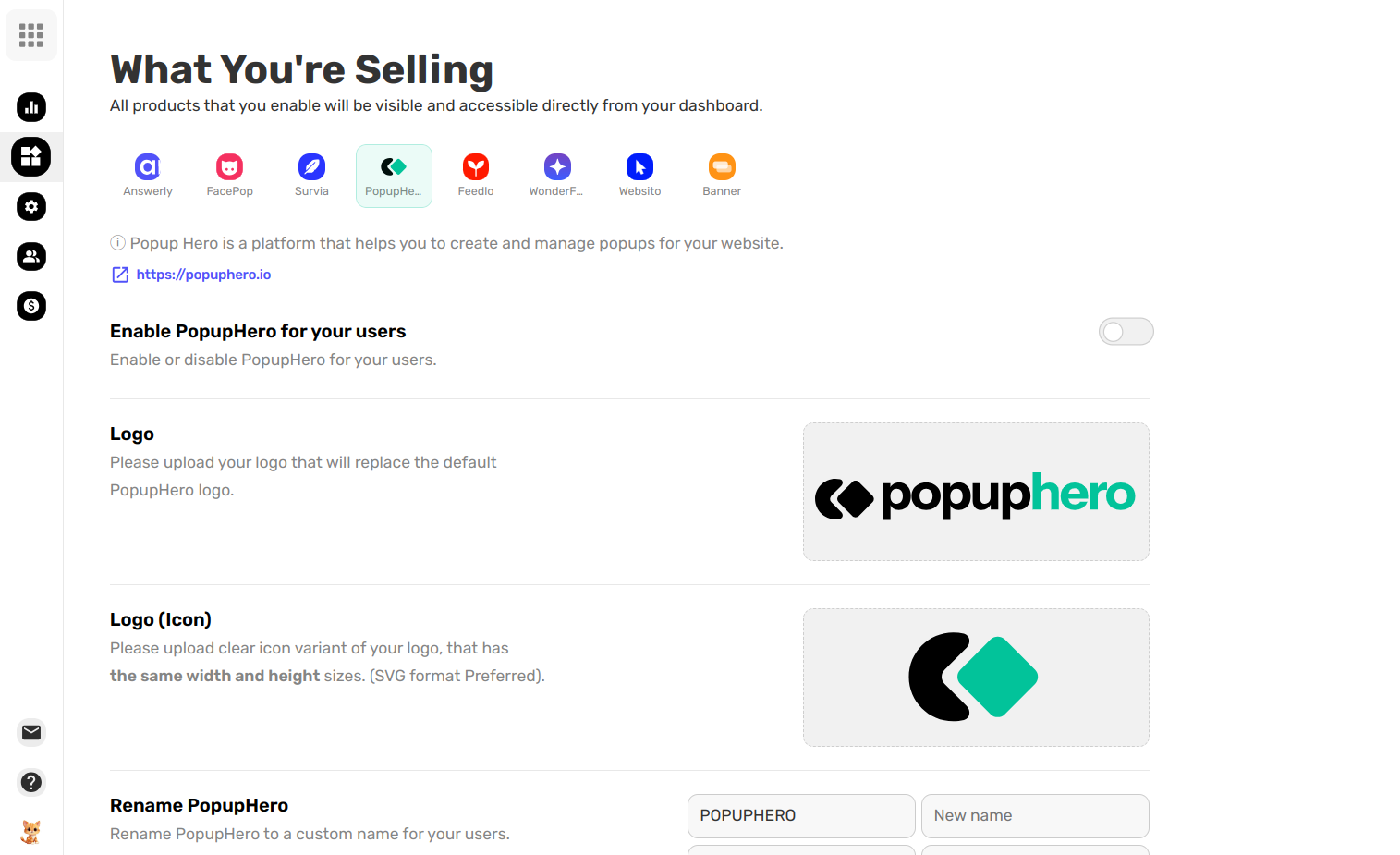
3. SMTP & Communication (Your Own Emails)
To make sure users receive emails from you instead of us, set up your own SMTP server:
- From Address: Set the email your users will see (e.g.,
support@yourbrand.com). - SMTP Credentials: Enter your Hostname, Port, Username, and Password.
- Email Templates: Customize the subject lines for system emails like Collab Invites, Signups, and Password Resets.
- Test Connection: Use the "Test Connection" button to verify everything is working before saving.
4. Support & Help
Finally, ensure your users have somewhere to go when they have questions:
- Help Center: Link to your own documentation site.
- Customer Support: Insert a link to your contact page or your direct support email.
That’s it! Your platform is now fully branded and ready for your clients. Is there anything else you'd like to tweak, or are we ready to launch?